Your everyday music.
Play the catalog, your library, playlists, recommendations, and radio through MusicKit.
 TrackDrop
Join TestFlight
TrackDrop
Join TestFlight
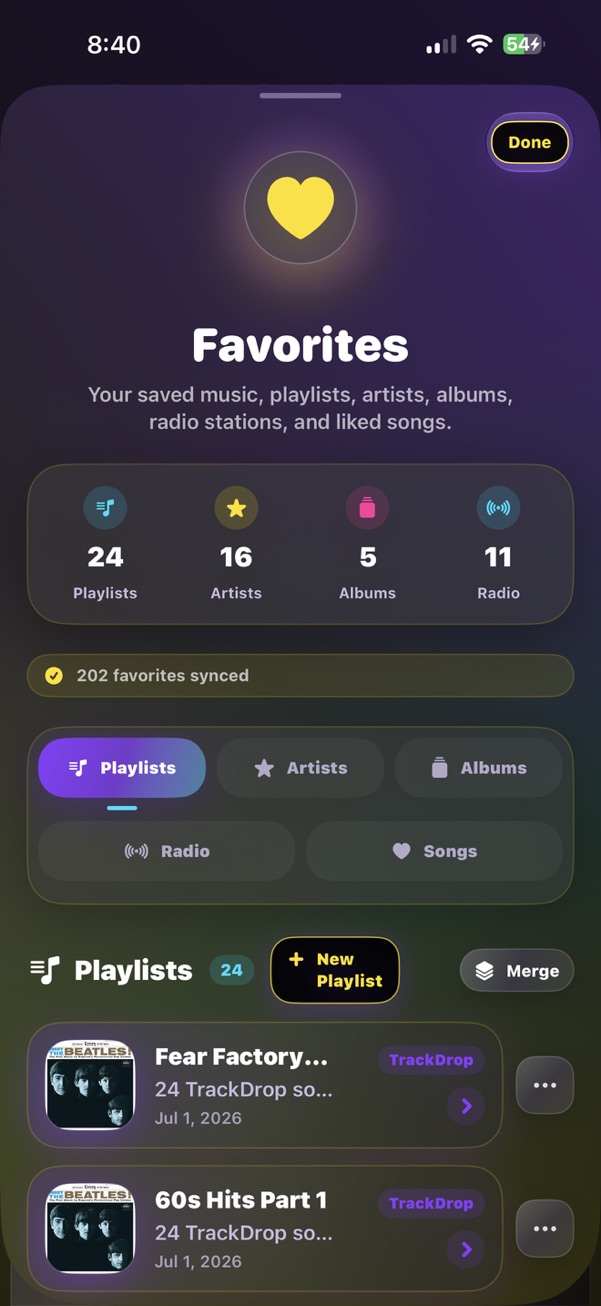
Apple Music gives you the catalog. TrackDrop gives you more ways to discover, remember, and share what you hear—from public SoundCloud DJ sets and guided listening journeys to voice control, podcasts, and music with friends.
Now in TestFlight. Built around Apple Music, with public SoundCloud mixes kept separate and clearly credited.
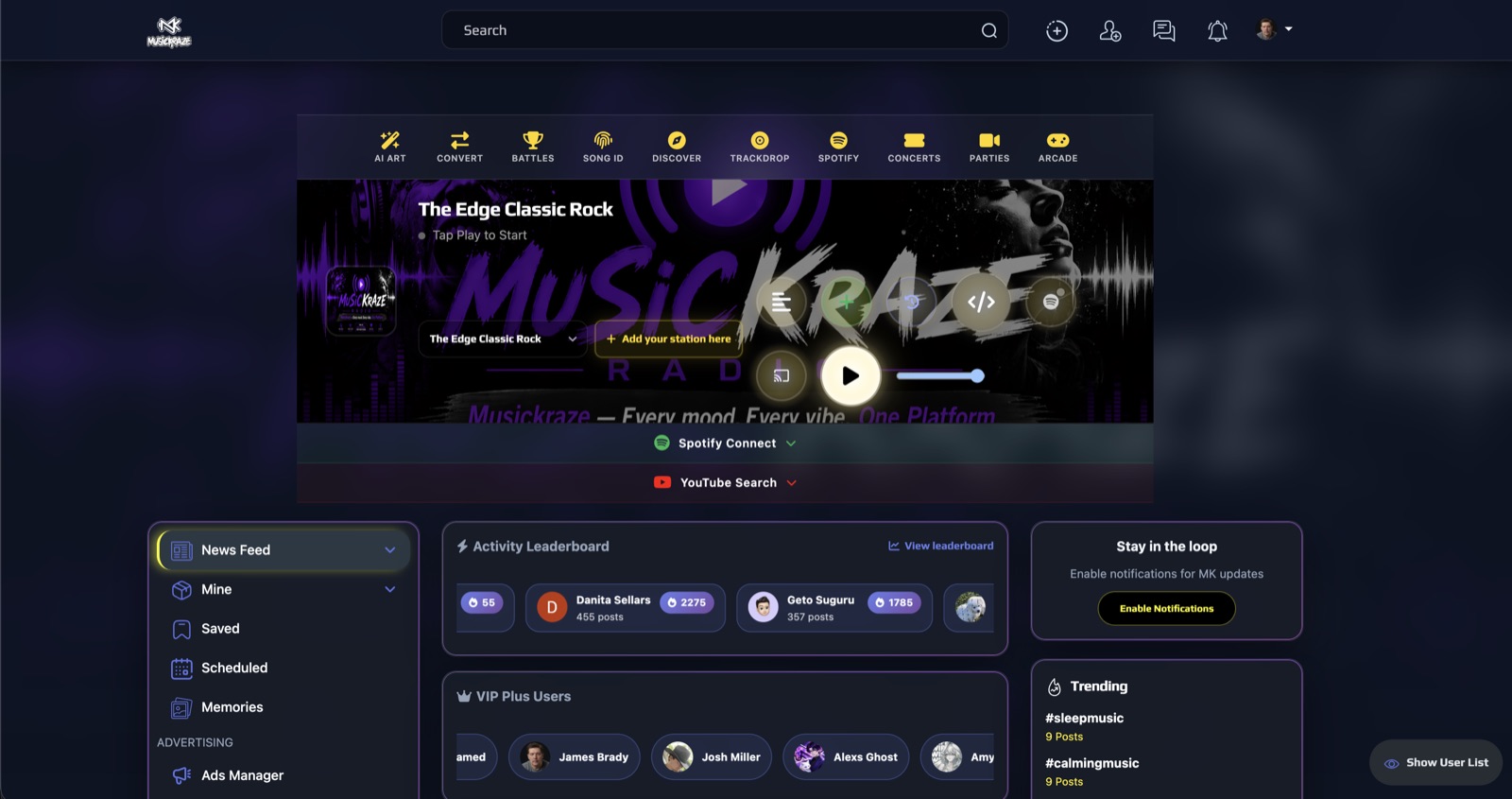
Listening at a computer? Open TrackDrop Web.
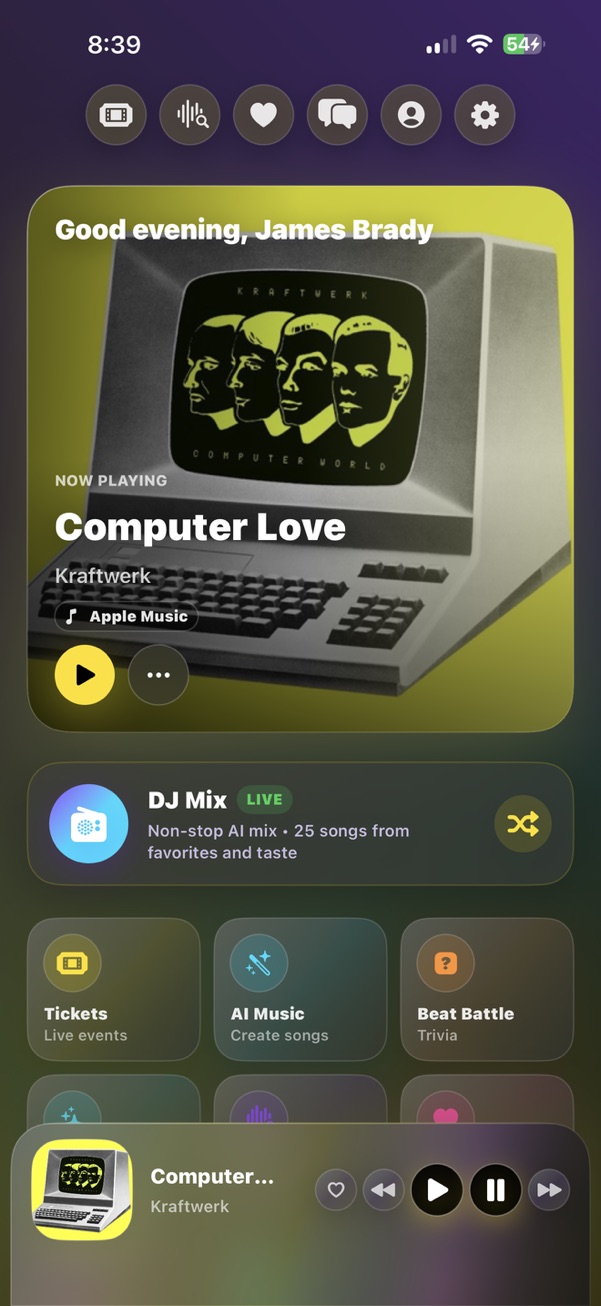
TrackDrop brings different kinds of listening together without blurring where they come from.
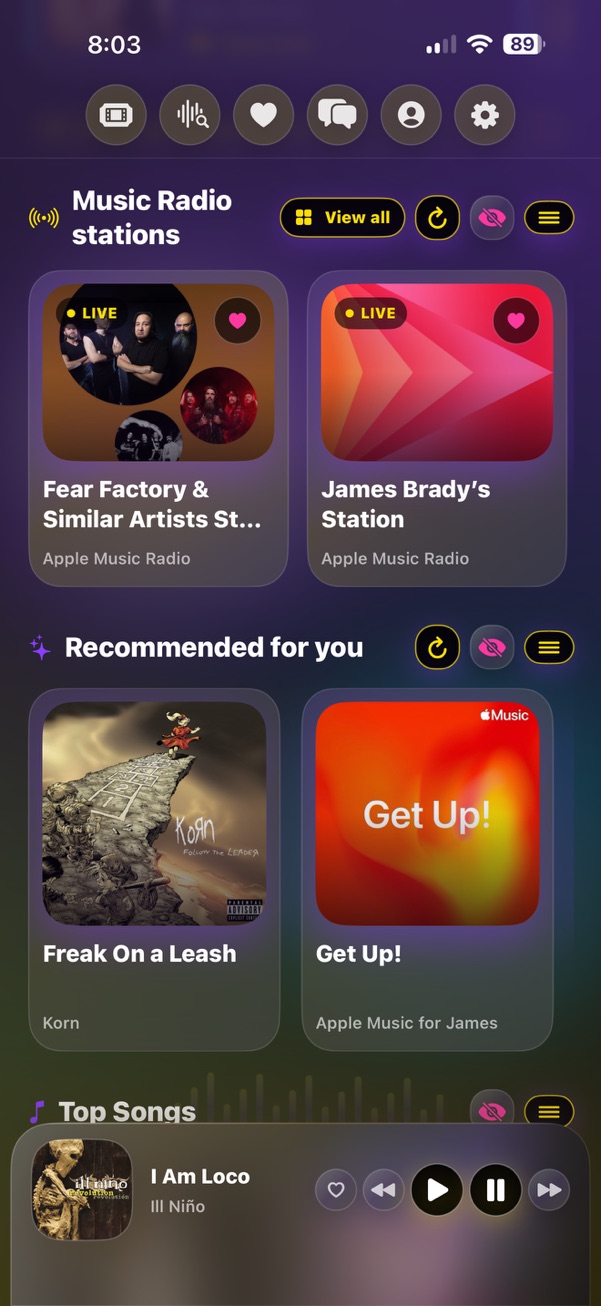
Play the catalog, your library, playlists, recommendations, and radio through MusicKit.
Find public DJ mixes, follow creators, save favorites, and return to the exact point where you stopped.
Discover related episodes, keep a separate queue, and take playback progress to the lock screen.
Paste a public SoundCloud link—or search by DJ, event, mood, or genre—and play a streamable long-form mix inside TrackDrop. Save it, explore related creators, and resume exactly where you stopped.
A mix plays when its creator allows full off-platform streaming. If it cannot play, TrackDrop says so instead of showing a broken button.
Find your next mixCome back to a long set without scrubbing through the first hour again.
Go deeper from the song that is already playing, keep the discoveries that matter, and bring friends into the moment when you want to.
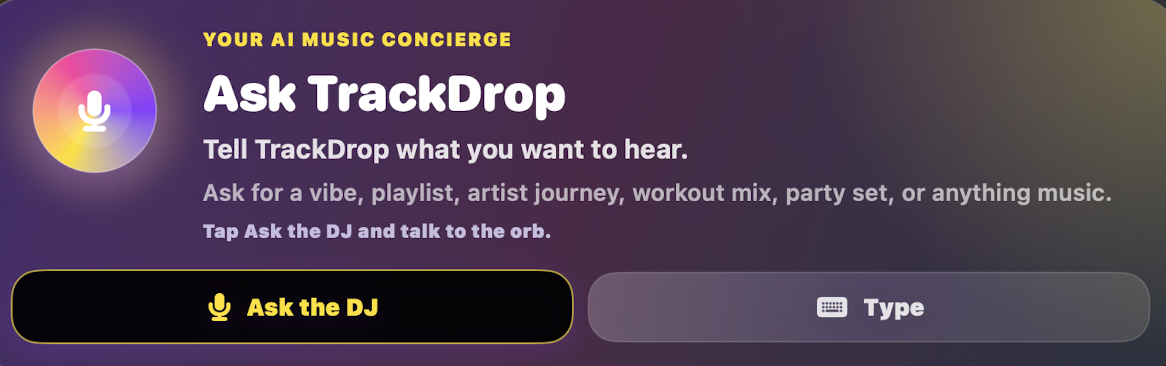
Tell TrackDrop the artist, vibe, queue, playlist, station, or lyric you have in mind. It turns the request into a real Apple Music action on your iPhone.
Time Machine builds a ten-song route around what is playing: go deeper, travel backward, find what comes next, or keep the energy. Save the journey as a Time Capsule and return to it later.
Identify music playing around you, then favorite it, save it to a TrackDrop playlist, or send it to someone.
Get recommendations shaped by what you played, followed, or saved—with queues, speed, sleep timer, and lock-screen progress.
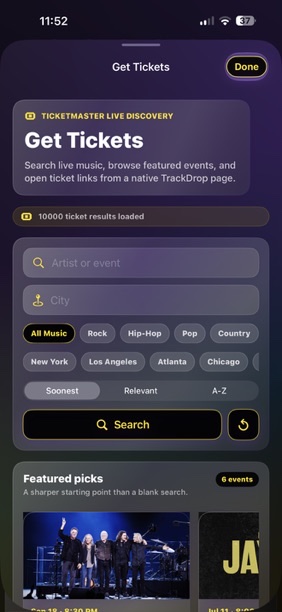
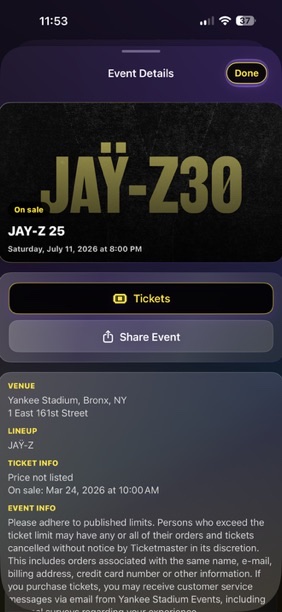
See upcoming shows on artist pages, with real event details and the original Ticketmaster link.
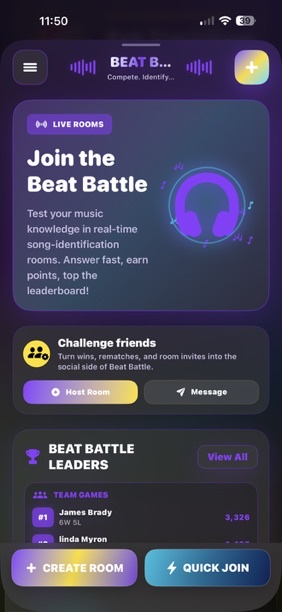
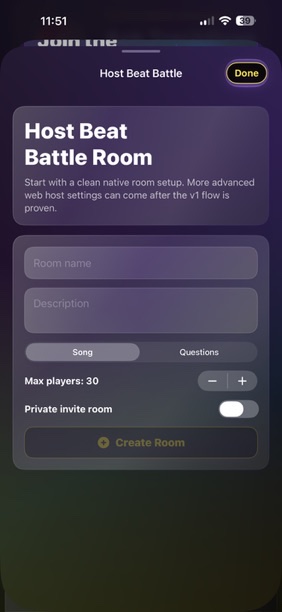
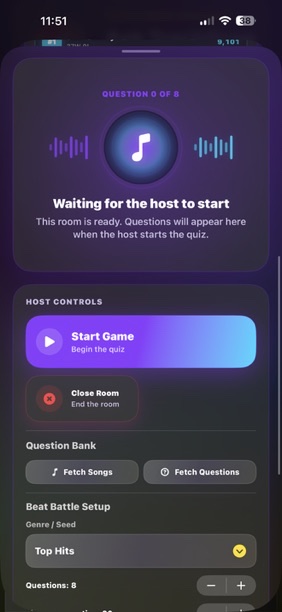
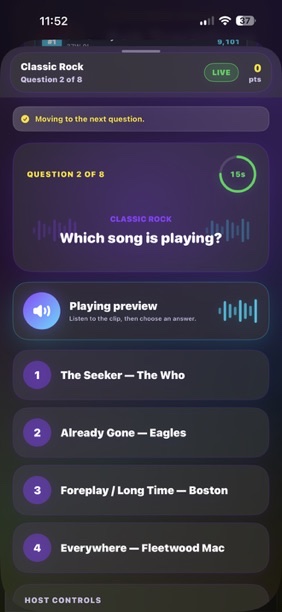
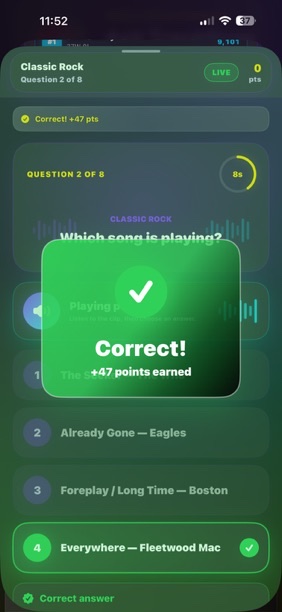
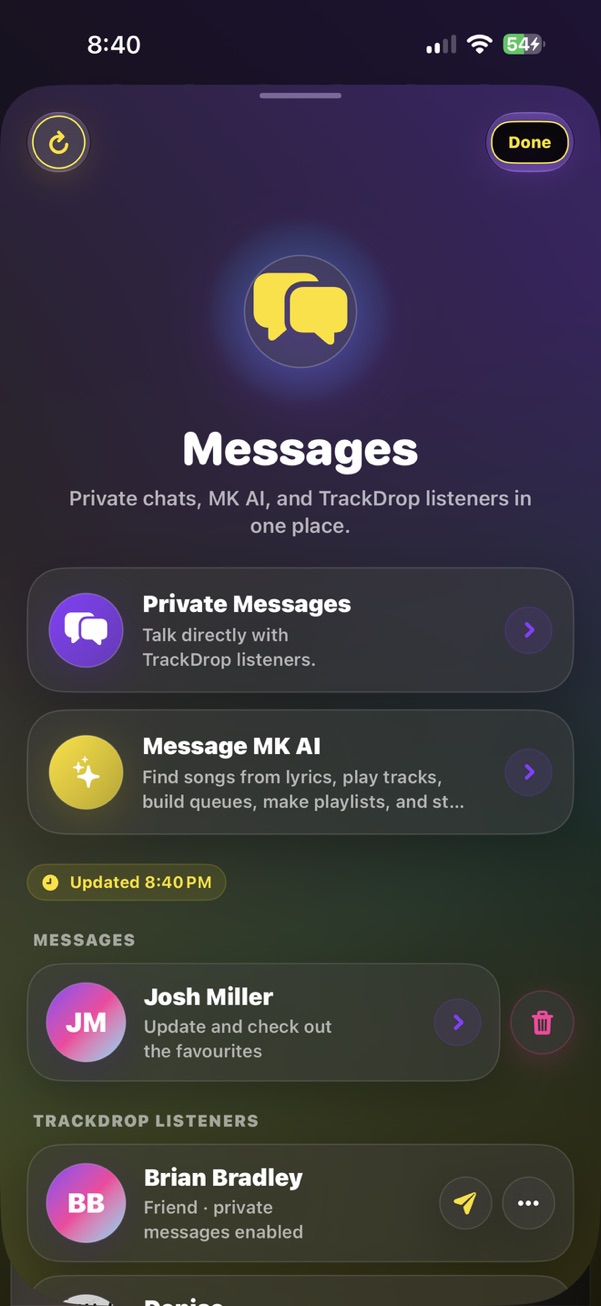
Share a Drop, message friends, compare Taste Match, revisit weekly recaps, or settle the debate in Beat Battle.
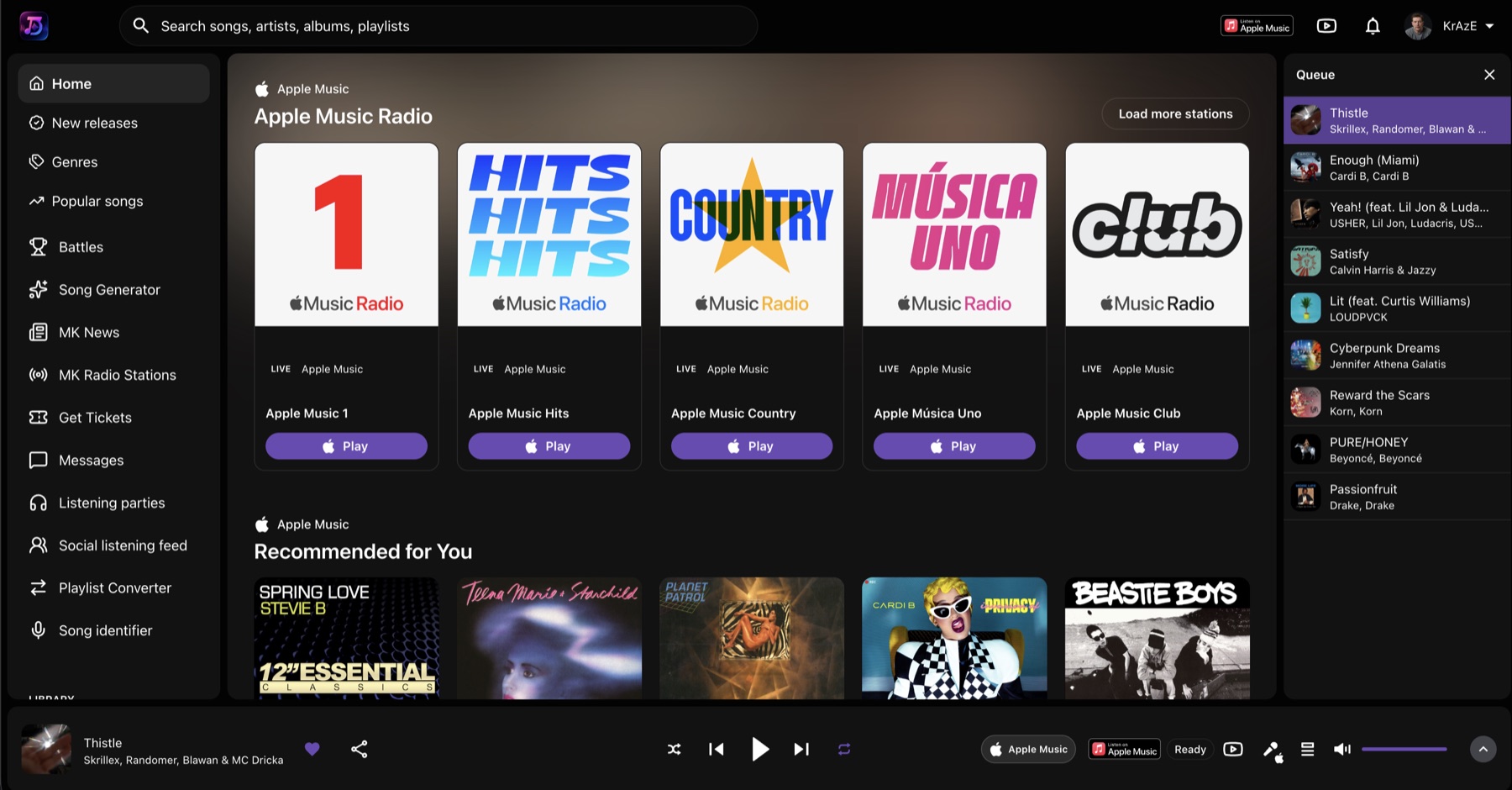
Sign in from a browser to search music, build a queue, browse Apple Music Radio, and keep listening at trackdrop.musickraze.com.
The iPhone app is the full TrackDrop experience. The web player is a useful companion when you are already at a computer.
MusicKraze builds music-first experiences around discovery, radio, artists, concerts, and community. TrackDrop brings that point of view to an iPhone app built around Apple Music.
TrackDrop is still in beta. Here are the practical details.
An iPhone and an Apple Music subscription unlock the full native playback, catalog, library, radio, and playlist experience. Public SoundCloud mix search does not require Apple Music authorization.
No. TrackDrop does not sell personal information. Service providers process only what is needed to run the app. Read the plain-language details in the Privacy Policy.
No. Public mixes work when the creator allows full off-platform streaming. TrackDrop keeps the creator, artwork, and original SoundCloud link attached, and shows an unavailable state when a mix cannot be streamed.
Yes for the full iPhone music experience. Apple Music powers the catalog, library, recommendations, radio, playlists, and native playback inside TrackDrop.
No. TrackDrop is an independent MusicKraze product. Apple Music and SoundCloud remain separate services with their own terms, availability, and playback rules. See what TrackDrop adds to Apple Music.
TrackDrop keeps Apple Music, podcasts, and public SoundCloud mixes separate. If a provider or public feed is unavailable, that surface fails quietly or shows a clear unavailable state instead of fake catalog data.
Join the TrackDrop beta on iPhone. Bring your Apple Music library; TrackDrop will bring the mixes, journeys, memories, and people around it.
Read how TrackDrop handles your information, review the terms, or get help before you join.